Of all the travel mistakes foreigners make in Korea, trusting Google Maps is one of the most common — and one of the most fixable. Download the right apps before you land and you'll navigate Korea like a local.
I've watched this play out in person more times than I can count. A friend visits, lands, opens Google Maps the way they would anywhere else in the world, types in a restaurant I've recommended, and gets either "no results" or a walking route that sends them down a road that doesn't go where the app thinks it does. They assume they've done something wrong. They haven't — Google Maps is simply not the tool for Korea, and no amount of fiddling will fix that. The fix is to use a different app entirely, and the moment they switch, navigation just works.
Here's the full story on why Google Maps falls short in Korea, exactly which apps you should use instead, and how to set them up so your trip runs smoothly from the first hour.
Google Maps cannot access detailed Korean map data due to South Korean national security laws. Walking directions are inaccurate, public transport routing often fails, and many places simply aren't listed. Use Naver Maps for general navigation and Kakao Maps as a backup. Both have English mode.
Why this matters more than you'd think
It's tempting to file this under "minor travel tip" and move on. Don't. In Korea, your maps app isn't just for getting from A to B — it's the spine of your whole trip. It's how you find which subway exit to use (and as anyone who's read my Seoul subway guide knows, the wrong exit can mean a fifteen-minute detour). It's how you discover that the cafe you walked past has a 4.5 rating and a hundred reviews. It's how you check whether a restaurant is even open before you trek across town. When the app underneath all of that is unreliable, every single one of those small decisions gets harder, and the friction adds up to a frustrating day. Getting this one thing right before you land is genuinely one of the highest-leverage bits of trip prep you can do.
Why doesn't Google Maps work in Korea?
This isn't Google's fault — it's Korean law. South Korea prohibits the export of detailed geographic data citing national security concerns (proximity to North Korea, military installations, etc.). Google has repeatedly requested permission to export this data for its mapping servers; the Korean government has repeatedly declined.
The result: Google Maps in Korea works from data that's significantly less detailed and less accurate than what Korean mapping apps use. Turn-by-turn walking navigation is unreliable. Public transit directions are often wrong or missing. Many restaurants, cafes, and attractions simply aren't in the database.
The apps that actually work
Korea's most comprehensive mapping app. Accurate walking, driving, transit, and cycling directions. Real-time bus and subway info. Restaurant reviews, business hours, phone numbers. Works in English (tap the globe icon to switch language). Download this before you fly.
Made by Kakao (Korea's tech giant). Excellent transit and walking directions. Better UI than Naver for some users. Integrates with Kakao T (taxi app). Good backup for when Naver doesn't have what you need.
Dedicated subway navigation apps. Shows real-time train locations, platform information, and the least-crowded carriages. Good supplement to Naver Maps specifically for subway navigation.
Join Seoul Mate free and I'll send you "Where to Start" — the 10 K-dramas I recommend to every beginner — plus a weekly pick. No spam, leave anytime.
App comparison at a glance
| Feature | Naver Maps | Kakao Maps | Google Maps |
|---|---|---|---|
| Walking directions | ✅ Excellent | ✅ Excellent | ⚠️ Often wrong |
| Subway routing | ✅ Excellent | ✅ Excellent | ⚠️ Unreliable |
| Bus routing | ✅ Real-time | ✅ Real-time | ❌ Unreliable |
| Restaurant info | ✅ Very detailed | ✅ Good | ⚠️ Incomplete |
| English support | ✅ English mode | ✅ English mode | ✅ Full English |
| Offline maps | ✅ Available | ⚠️ Limited | ✅ Available |
How to use Naver Maps in English
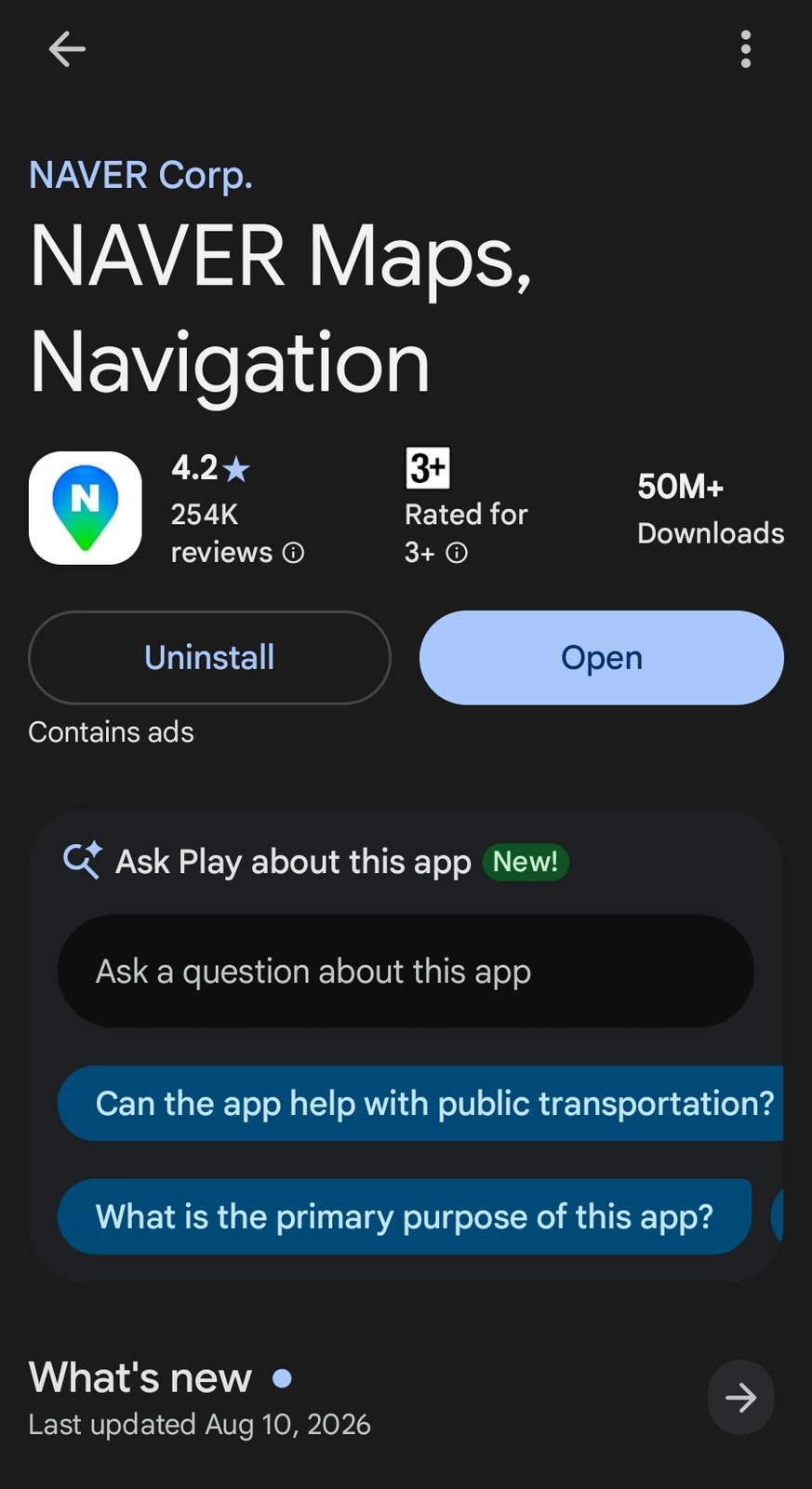
When you first open Naver Maps, it'll probably be in Korean. Here's how to switch:
- Open Naver Maps
- Tap the three lines (menu) or settings icon
- Look for "Language" or a globe icon
- Select English
Alternatively, if your phone is set to English, Naver Maps should detect this and offer English automatically on first launch.
The Naver Maps features you'll actually use
Switching to English is step one. The reason Naver becomes indispensable is what it does once you're in. Here are the features I lean on every single day in Korea, and how to get the most out of each.
Searching for places
Type the place name and Naver pulls up the listing with its hours, phone number, photos, and a stack of local reviews. A small habit that saves real time: search in the place's actual Korean name if you have it, because the English transliteration sometimes doesn't match what's in the database. If a friend or a sign gives you the Hangul, paste that in. Listings usually show whether somewhere is open right now, which spares you the walk to a shuttered door.
Transit directions
This is the killer feature. Enter a destination, choose the transit option, and Naver lays out the full journey — which line, which direction, where to transfer, roughly how long it takes, and the exit number to use when you surface. It folds in buses too, including real-time arrival info, so you can see whether to dash for the stop or take your time. I treat the exit number it gives me as gospel and note it before I go underground.
Walking directions
Where Google sends you down a road that doesn't connect, Naver knows the actual pedestrian paths, the alleys, the underground shopping passages that let you cut through a block. In a dense neighbourhood like Myeongdong or Hongdae that local-level detail is the difference between arriving smoothly and circling the same corner three times.
Driving and bus routes
If you end up in a taxi or rent a car, Naver's driving directions are what Korean drivers themselves use, with live traffic baked in. You generally don't need to navigate yourself in a taxi, but it's reassuring to glance at the same route the driver is following.
I keep both Naver and Kakao installed. They pull from slightly different data, so on the rare occasion one is missing a listing or routes a journey oddly, the other usually has it. Kakao also ties into the Kakao T taxi app, which is handy if you end up hailing rides. Think of Naver as your default and Kakao as the backup you're glad you have.
📱 Naver Maps — navigation
🔶 Kakao Maps — backup navigation
🚕 Kakao T — taxi booking (some foreign numbers work)
🌐 Papago — translation app (better than Google Translate for Korean)
🎌 Korean subway app — for detailed metro info
The habit that changes everything: saving places
Here's how Koreans actually use Naver Maps, and it's the single best habit to steal: save everything before you need it. Every listing has a star/save button, and saved places can be organised into lists — so before your trip, from your sofa, you can build folders like "Seoul cafes," "Hongdae dinner," "Day trip" and watch your whole itinerary appear as pins on the map. Then, on the ground, you're never typing a Korean name into a search bar while standing in the rain; you just open your list and tap. It also solves the "what was that place called again?" problem permanently — when a friend recommends a restaurant or you spot somewhere in a video, save it in the moment. Planning this way also shows you distances honestly: when three of your saved pins cluster in one neighbourhood, that's your afternoon sorted.
For K-drama fans: pilgrimage mode
If you're reading this site, odds are your Korea list includes a filming location or two — and this is where Naver Maps quietly beats every guidebook. Korean fans pin these places obsessively, so listings often exist for the exact cafe from that scene, complete with photos taken by fans standing where the camera stood. The trick is searching the Korean name of the place (our filming location guides give you the Hangul to paste), then saving it to a list before you fly. One caution from experience: filming spots in residential neighbourhoods deserve quiet visits — arrive, take the photo, leave the neighbours in peace. Pair the app with a working data plan — a Korea eSIM sorted before you fly — and the drama-to-doorstep pipeline is complete.
One more thing: Papago for translation
While you're downloading apps — get Papago (by Naver). It's a translation app specifically optimised for Korean, and it's significantly better than Google Translate for Korean text. Point your camera at a menu, sign, or label and it translates in real time. Essential for navigating restaurants that don't have English menus.
Frequently asked questions
Can I use Naver Maps without an internet connection?
It's built to work online — live transit times, traffic, and search all need a connection, which is exactly why I keep pushing visitors to sort out an eSIM before they land. There is some offline-map capability, but you shouldn't lean on it for live routing. The honest answer: get data, and Naver becomes the dependable companion it's meant to be. Trying to navigate Korea on WiFi-only hops is a recipe for getting stuck somewhere without a signal.
Do I really need to learn any Korean to use these apps?
No. Naver and Kakao both have English modes, and you can navigate, search, and ride transit entirely in English. Knowing a few Korean place names helps your searches land more reliably, and pairing the maps with a translation app like Papago covers menus and signs. But you absolutely do not need to read Hangul to find your way around — the apps carry you.
Is Google Maps completely useless in Korea, then?
Not completely — it's fine for a rough overview, for satellite imagery, and its English place search can occasionally surface something the Korean apps label only in Hangul. Where it falls down is the practical stuff: walking turn-by-turn, transit routing, and complete local listings. So keep it if you like, but make Naver your primary and don't trust Google for the moment-to-moment navigation that actually gets you places.
Do I still need a taxi app if I have Naver Maps?
They do different jobs, so ideally carry both. Naver Maps tells you where things are and how to get there; Kakao T actually hails the taxi — and in Korea, street-hailing is fading while app-hailing is the norm, especially late at night or outside the big tourist zones. The two work as a pair: find your destination on Naver, copy its name, and call the car with Kakao T. Some foreign cards and numbers work in Kakao T; if yours doesn't, regular taxis still take T-money and credit cards, so you're never stranded — it's just a little smoother with the app.
Between Naver Maps, Kakao Maps, and Papago — you'll handle Korea better than most tourists. Pair with a T-money card and an eSIM and you're completely set.